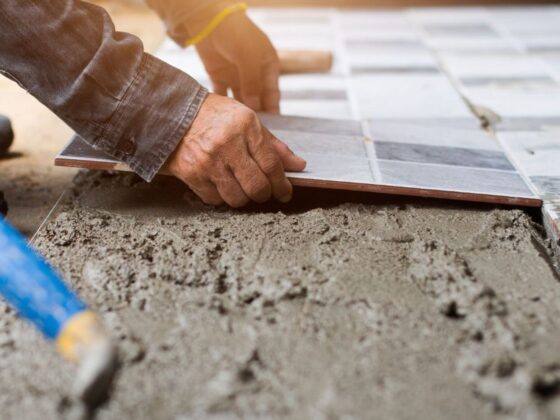
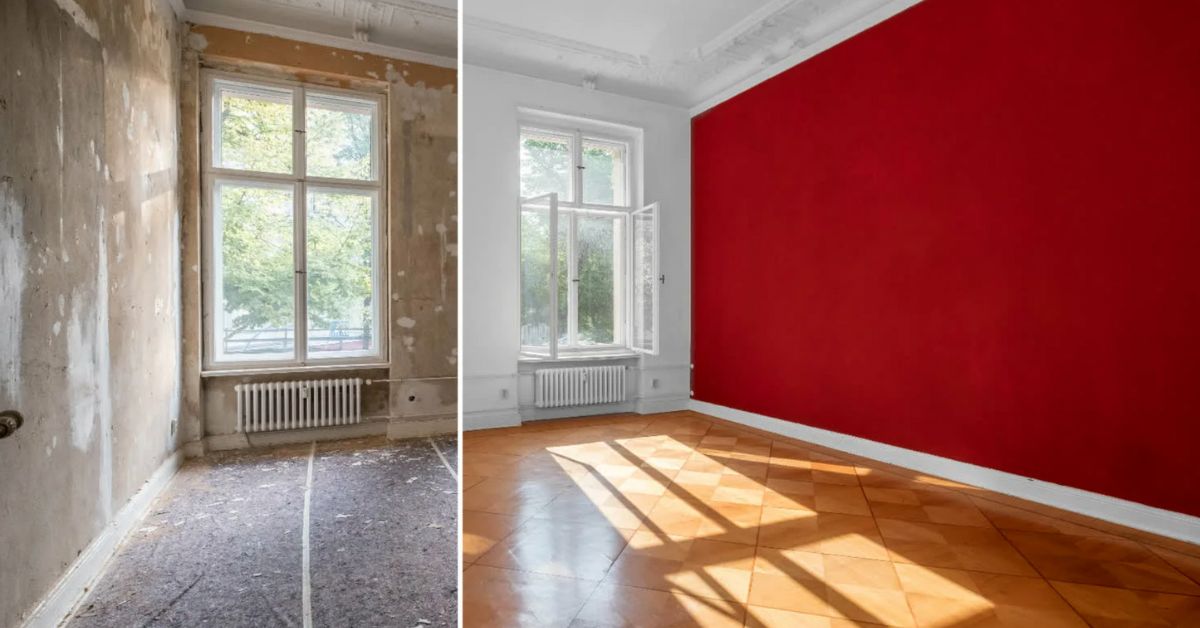
The Difference Between Remodel and Renovation is enormous. They both sound familiar, but they aren’t synonyms. Renovation involves replacing or updating the existing items, like finishes, fixtures, or systems, without changing the layout, while remodeling is totally focused on changing the layout or structure of a space, like adding a new room or moving walls.
Home remodeling projects take much time due to the bigger changes compared to home renovation ideas. Understanding the key differences between renovation and remodeling will help you choose the right project plan for your space.
Key Difference Between Remodel And Renovation
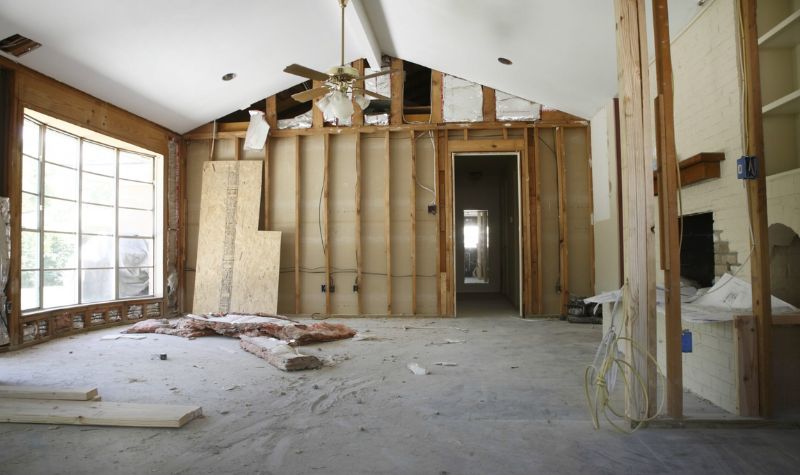
Understanding the differences between renovations and remodels is important because they have different timelines, costs, and rules, and can affect how much value you’ll get from your investment. In simple words, a renovation fixes or updates the space without changing its use, while a remodel changes its structure or purpose.
What Is Remodeling?
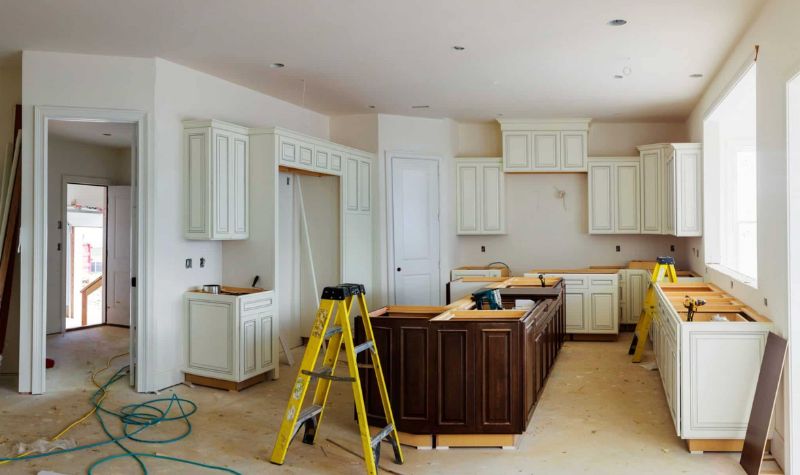
Remodeling involves major changes to any space, including a room or a building’s structure. It is time-consuming and more costly due to the complexities. It often requires experts like engineers and architects. Remodeling projects are required when a space needs significant changes or a key component.
Remodeling is a bigger project than renovating, involving changes to a space’s functionality and design. It sometimes also needs permits. So, it is important to plan and budget carefully for such projects. Some common remodeling projects are expanding the room size or closets, adding, removing, or gutting the walls, adding a new story, raising the ceilings, and changing plumbing, electrical, or HVAC systems.
What Is Renovation?
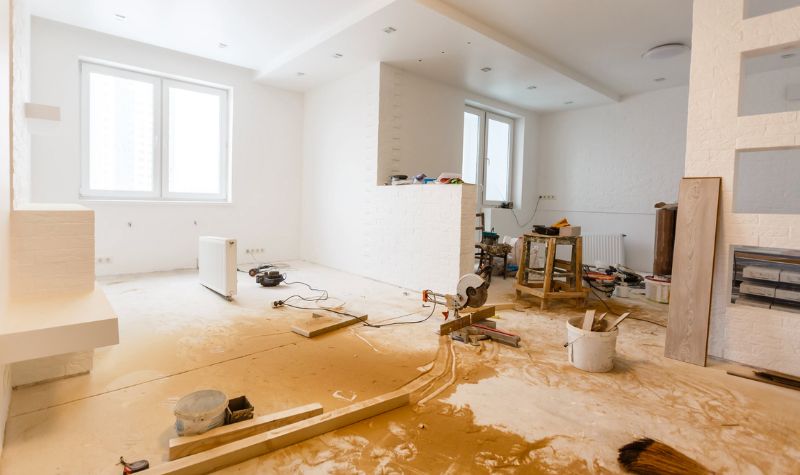
A renovation involves refreshing and updating any space without changing its purpose, structure, or use while focusing on improving it by making it more pleasant, attractive, and functional. It is usually smaller in scope than a remodel.
These small, quick projects don’t cost much, as they can be a cosmetic change or a quick fix like upgrading new light fixtures, cabinet hardware, or just painting. For example, kitchen renovations include small updates, adding new appliances, fixtures, and reconfiguring storage. Bathroom renovations include changing the flooring, adding new features, updating fixtures, and refreshing bathroom vanities.
Remodel VS Renovation
A renovation or remodel project is all about the complexity of work. It can be a professional work or even a DIY project, depending on the individual’s level of experience and expertise. However, remodeling will completely change the purpose of your space, while renovation work will enhance its beauty. However, some other factors also impact the difference between remodel and renovation.
1. Cost Difference Between Remodeling and Renovation
The cost of renovations and remodels can vary greatly depending on your location, project materials, and scope. Remodeling projects can cost you anywhere from $2,000 to $200,000 or more due to the potential need for plumbing, electrical, or construction work.
Some simple renovation projects will cost you between $15 to $60 per square foot or just a few hundred dollars. For example, room soundproofing can cost you between $400 to $5,000 or more, depending on your room size, its complexity, and its materials.
2. ROI For Remodel and Renovation Projects
Return on investment measures how much you’ll recoup when selling your home. Return on investment is essential to consider when choosing home improvements. ROI varies depending on your project type, building location, and some other factors. Consider choosing some top home renovation software tools to give your space a stunning look for a good return on investment.
Please note that basic renovation projects that maintain a home’s condition, like fixing a leaky roof or a plumbing system, can give you a better ROI when selling your building compared to remodels. This is because renovations focus on updating and repairing basic features. Keep in mind that more extensive remodels may not always translate to a higher ROI.
3. Required Timeline For Remodeling And Renovation
House renovations vary in time but usually take just a day or two, like painting and fixing plumbing systems, which are quicker than refinishing ceilings or floors. On the other hand, remodeling a home usually takes a longer time because it involves more work due to its complexity. However, if professionals handle the remodel, they will take less time as compared to a DIYer.
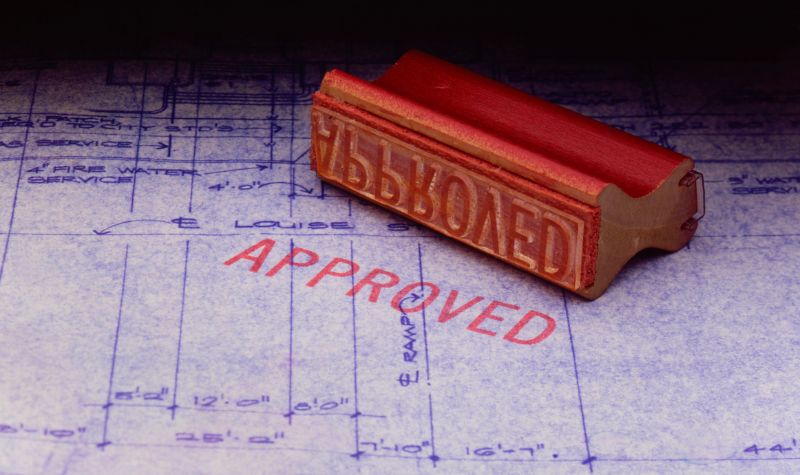
4. Permits For Remodeling And Renovations
With Planner 5D, you can either use a template or start from scratch to create a quick floor plan. It is the best-looking home design tool that can easily give your office, apartment, or any room a fresh new look. You can use it even for garage renovations to make it a multi-functional space. Its subscription charges start from $5 monthly.
Planner 5D PRO includes Moodboards, a feature that helps visualize design concepts. With it, you can share and comment in real time, customize with advanced tools, and even remove photo backgrounds using AI technology.
Pros
Planner 5D is a versatile app with a vast library of pre-made models, furniture, and decor. It boasts an intuitive drag-and-drop interface, 2D/3D viewing, and an augmented reality feature that brings your designs to life in real-world settings.
Cons
Planner 5D has some limitations. In-app furniture can be pricey, except for basics. The free version is restricted and doesn’t include high-quality renders. Some users have reported issues with saving designs, subscription cancellations, and poor customer support.
8. Roomstyler 3D Home Planner
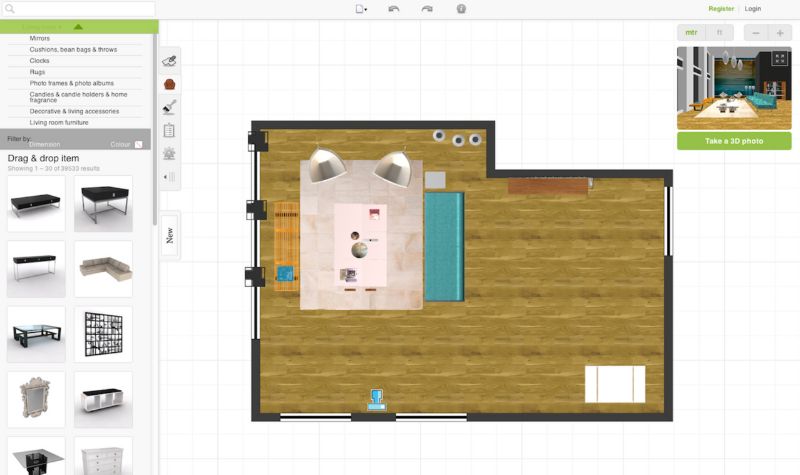
Roomstyler features a user-friendly interface with which one can easily create a custom room in just minutes. This home design software offers a vast library of tutorial videos to learn anything. Roomstyler 3D is one of the best free home renovation software tools that offers zero charges. This app is very easy to use. You can furnish your space with real products from actual brands.
Pros
Roomstyler is a free and user-friendly design software. It features a drag-and-drop interface, allowing you to easily create 2D and 3D designs. You can furnish your spaces with real products and customize furniture to your liking. Plus, it offers 3D rendering for realistic visuals, and you don’t need to create an account to get started.
Cons
Roomstyler doesn’t offer real-time 3D design capabilities. You can’t save your designs to your computer or export them. It is a basic design tool compared to more advanced software options.
9. Live Home 3D
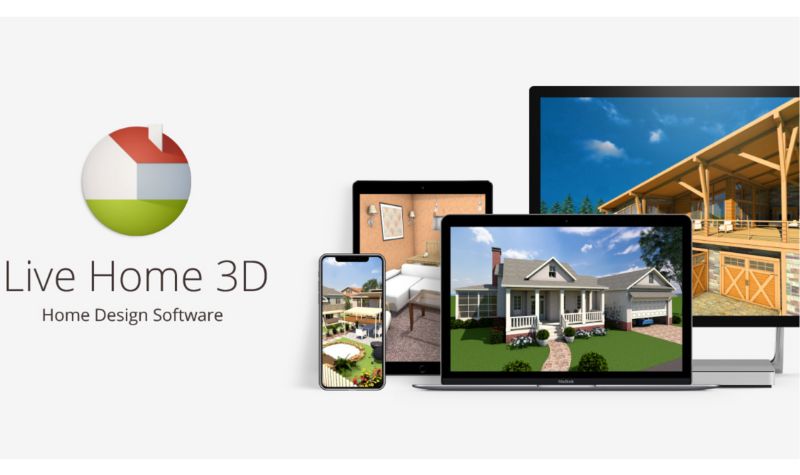
Do you want to create floor plans and switch to a 3D view to see your design in real life? Try Live Home 3D. You can further add objects like accessories, furniture, and control lighting fixtures. This tool can also be integrated with Trimble 3D for downloading 3D models. You can even edit terrain to create houses on hills or slopes, especially when looking for home renovation ideas. Its subscription price starts from $49.99 to $99.99
Pros
Live Home 3D is a user-friendly home design software that’s great for both beginners and experienced users. This multi-platform tool offers flexible design options in both 2D and 3D, as well as stunning high-resolution renderings and video walkthroughs. You can also import 3D models and access additional features, such as editing tools and output options, with the Pro version.
Cons
You can only access your most recent project, and only one project can be active at a time in Live Home 3D. Its interface is a bit outdated and unreliable. It doesn’t have layers, and adjusting walls in 2D can be tricky at times. It also lacks robust organization and reporting features, such as room statistics.
10. SmartDraw
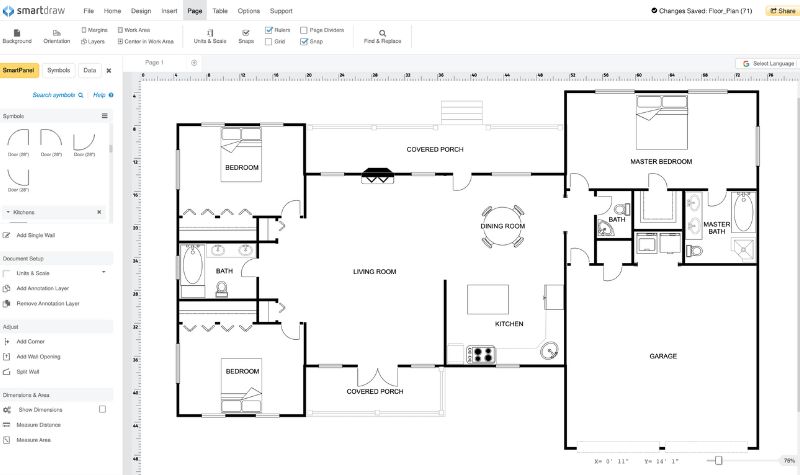
SmartDraw is a powerful floor planning tool that offers thousands of templates and examples, allowing for intricate designs. It offers an endless selection of furniture, objects, and thousands of templates. SmartDraw is easy to learn and use, and creates diagrams from data. It can be easily integrated with Microsoft Office, Google Workspace, and Atlassian. Its pricing starts from $8.25.
Pros
SmartDraw is particularly useful for creating floor plans, network diagrams, and other technical diagrams that can be exported in various formats, including PDF and PNG. Its user-friendly interface makes it easy for anyone to create diagrams.
Cons
SmartDraw can be pricey, especially for larger teams. The app also lacks real-time collaboration features, making teamwork more difficult. Design customization options within templates are also limited.
Bottom Line
Selecting the right home renovation software helps homeowners and architects create digital plans and 3D designs. With many free and paid options available, you can bring your vision to life. Whether it’s outdoor living transformations, kitchen remodeling, garage conversions, or even some bathroom renovation ideas, try these top-rated home renovation software tools to turn space into a stunning piece of art.
I hope the above top-rated options will be enough for your query of what are the best home renovation software tools for beginners and architects.
Frequently Asked Questions (FAQs)
What Is Home Renovation Software?
Home renovation software helps users design, plan, and manage renovation projects. It offers features like 3D modeling, floor planning, and budgeting.
How Do I Choose the Best Renovation Software?
Consider your specific needs, budget, and desired features, such as ease of use, design capabilities, and support resources, when selecting renovation software.
What Is the Best App to Use When Renovating a House?
Floorplanner is highly recommended for home renovations, offering a vast collection of high-resolution photos, virtual reality features, and access to professionals to assist with your project.
Which Software Is Best for Home Design?
Planner 5D is the best home design software, offering a user-friendly interface that allows you to create detailed 2D and 3D designs. It also has a vast library of furniture and materials to experiment with.
What Are the Top Home Renovation Software Tools?
Some top-rated building design and renovation tools include SketchUp, Planner 5D, Chief Architect, Home Designer, and Floorplanner.